

Signing in & out
Use your game account, stay signed in, and switch players safely.
On this page
You use the same username or email and password as your SoccerRevival game account. There is no separate website registration.
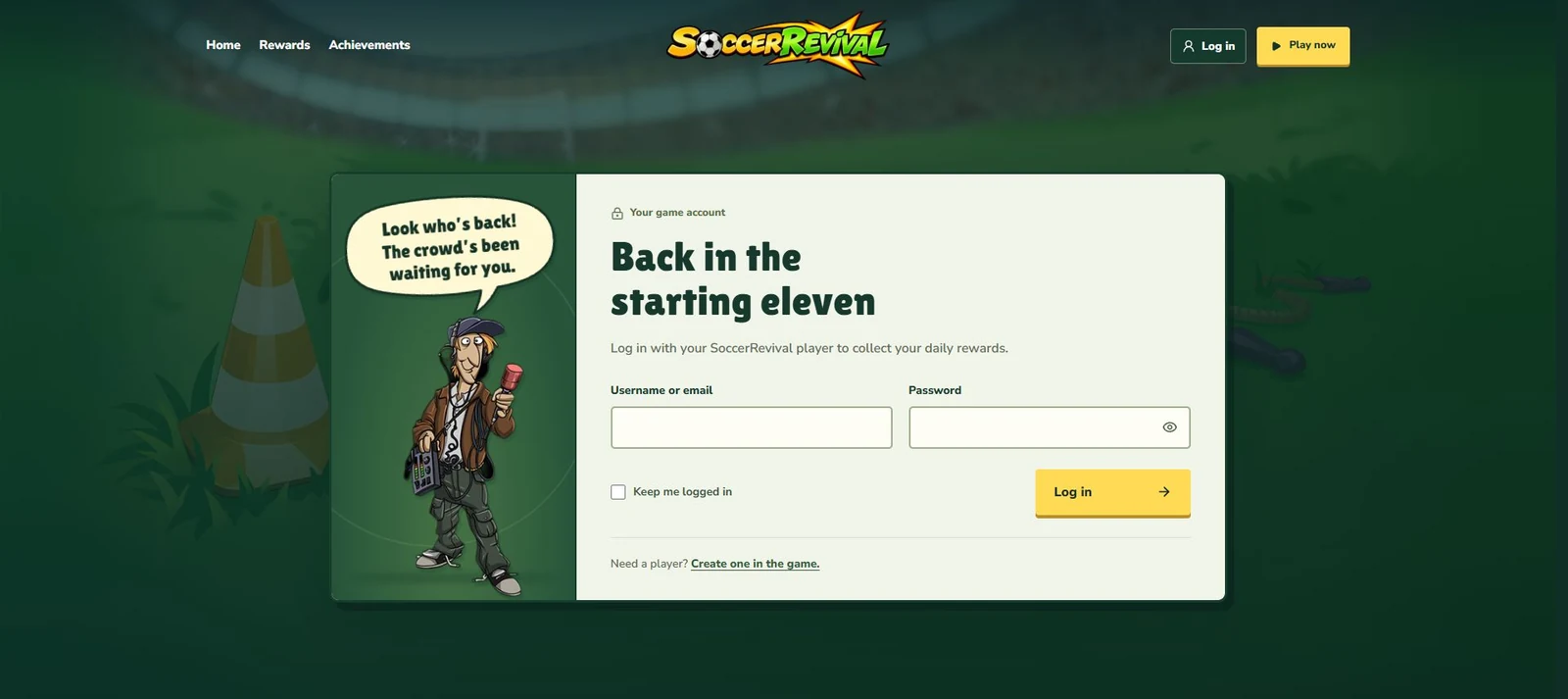
Log in with your player#
- Choose Log in in the header, or use the login link on the Rewards or Achievements page.
- Enter your username or email and your password.
- Optionally tick Keep me logged in on a device you trust.
- Choose Log in. Your player’s name replaces the login link in the header.
The eye button beside the password lets you show or hide what you have typed. After signing in from Achievements, you return to the book. The usual destination is your rewards.
Keep me logged in#
| Choice | Session lifetime |
|---|---|
| Leave the box unticked | Up to 24 hours. |
| Tick Keep me logged in | Up to 30 days. |
Your browser must allow the website’s session cookie. Signing out ends that session. Use Log out when you finish on a shared device.
Log out or change player#
Open your name or the account icon in the header and choose Log out at the bottom of the player card. To use another player, log in again with that player’s details. Calendars, balances, and saved achievements belong to the player you are signed in as.
New player or login trouble?#
Choose Create one in the game on the login page to open SoccerRevival. If you cannot access an existing game account, contact the community. This website does not provide a password reset form.
Before retrying
Check your username or email and password. If you see a connection error, the account service may be unavailable; changing your password will not fix that. See Troubleshooting.